MoiPassTHE EMPLOYEE APP
Get to know the employee app
Employees use the programmes your company enables, send treats to colleagues and browse cabinet products. HR manages employee access and programme budgets.
Shopping
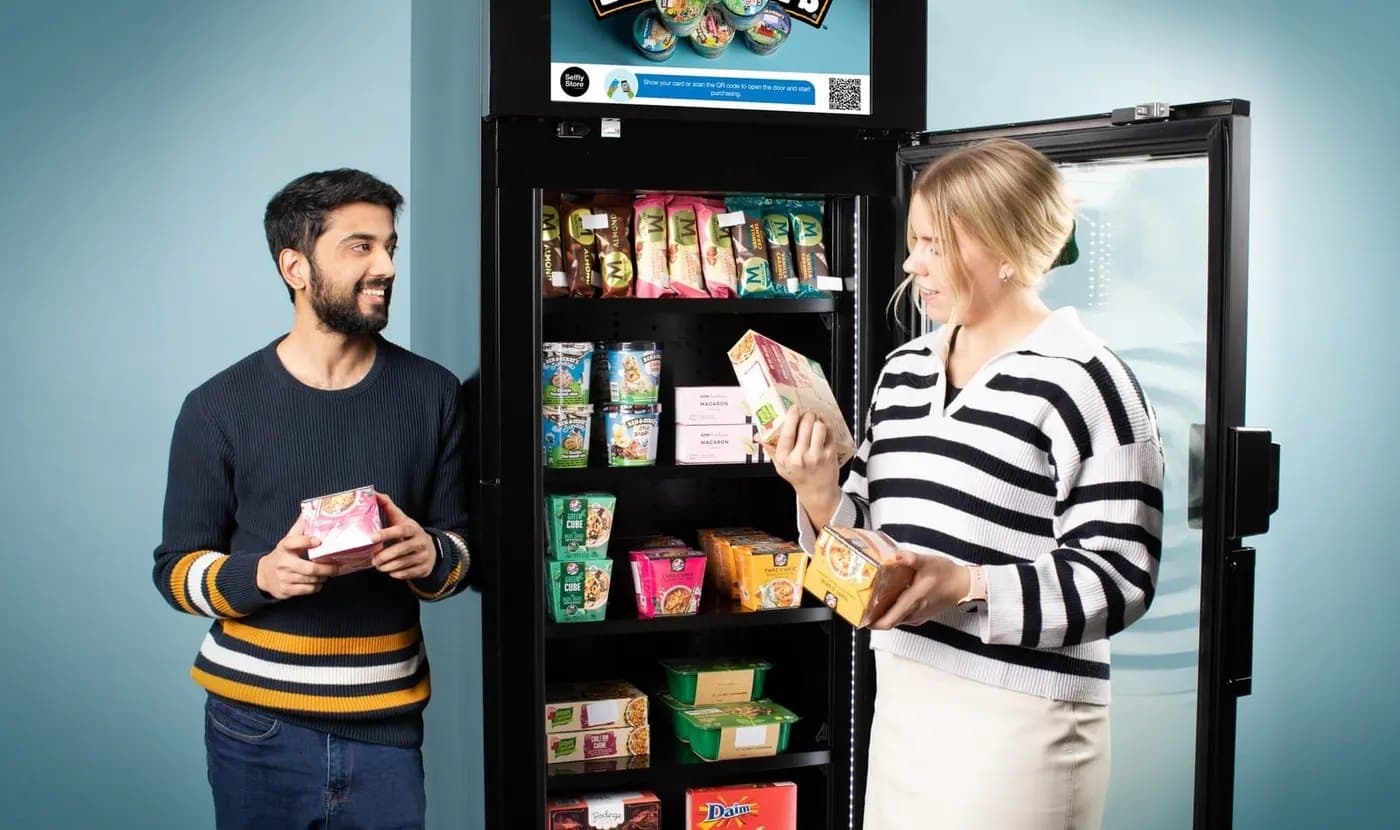
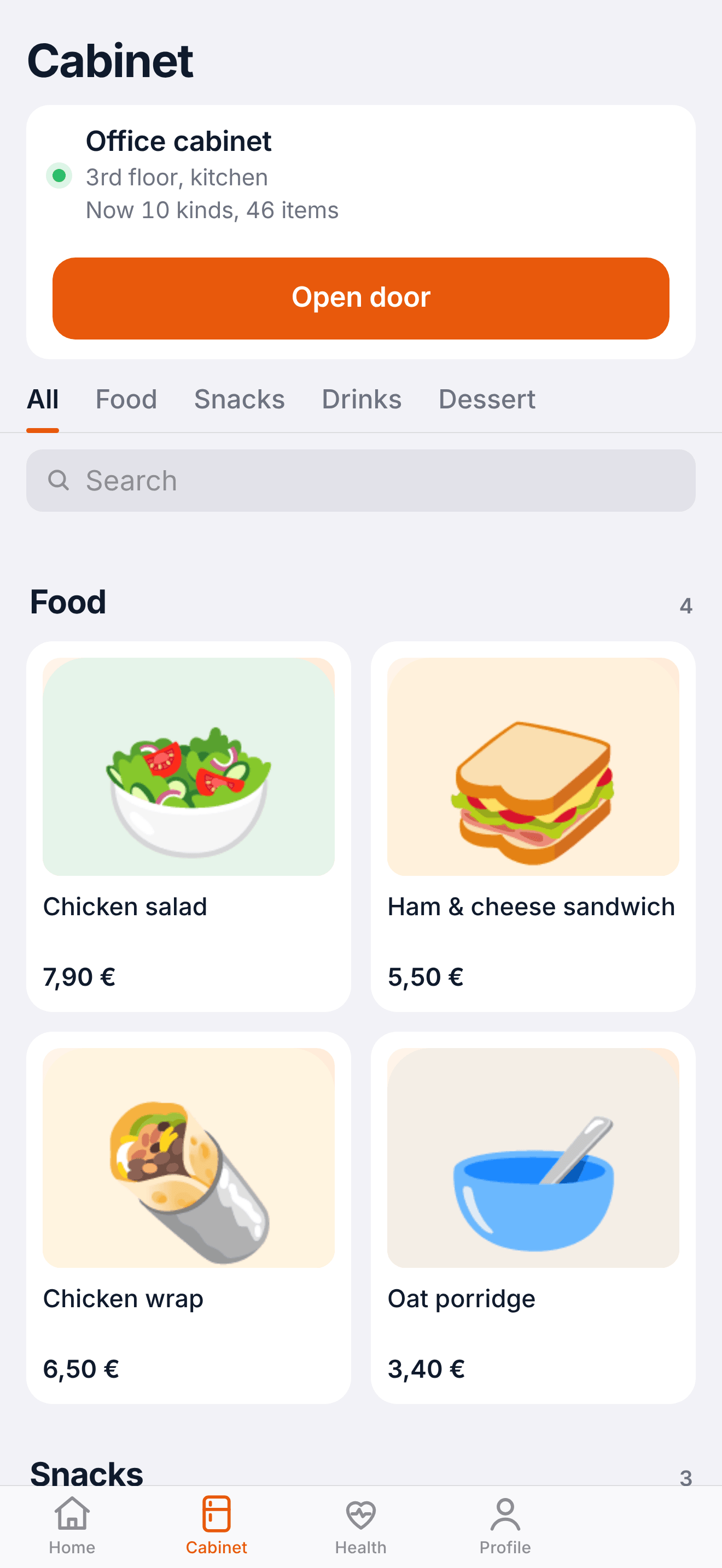
- Open the cabinet with a QR code
- Scan the code on the cabinet with the app, or use the open-door button.
- Product list with prices and categories
- See what is available and check prices before walking to the cabinet.
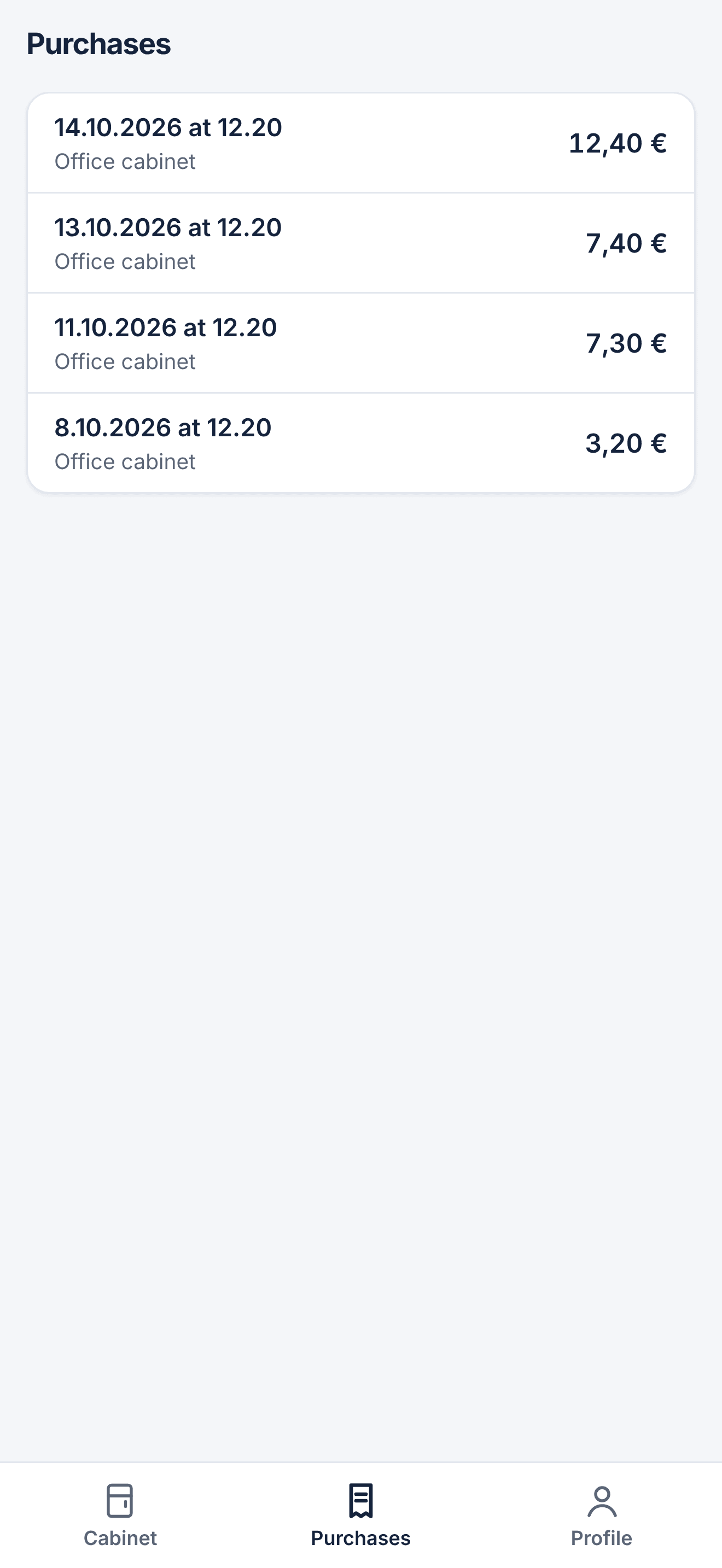
- Purchase history and receipts
- Look back at purchases, amounts and the available receipt.
- Report a product issue from the receipt
- Choose the purchase in your history to report a problem.
Company programmes
- Welcome and birthday credits
- Offer a credit when someone joins or has a birthday.
- Recognition budgets for managers
- Authorised managers can thank a colleague with a credit.
- Treat a colleague or leave an item for someone to claim
- Choose a product for a colleague, or leave one for another employee to take.
- Meeting and department budgets
- Give authorised colleagues a shared budget that is separate from their personal allowance.
- Announcements and product polls
- Share a company update or ask employees what they would like in the cabinet.
HR and finance
- Employee list by department and bulk import
- Import a list with email, department and role rather than entering people one by one.
- Monthly limits and rollover rules by group
- Set the monthly allowance and decide whether unused funds carry over.
- Spending by department and period
- Review spending for the selected period; department totals are subject to the reporting threshold.
- CSV for payroll
- Download a period file with employee identifiers and spending amounts for payroll review.
Availability depends on the installation and permissions. Separate monthly limits and rollover rules for employee groups still need verification.
MoiPass
Optional: calories and steps
Calorie and step tracking is optional. The calorie diary uses product nutrition information, and steps can be synced from Apple Health on supported iPhones with permission. Daily step totals are processed on the application server.
Privacy, KVKK and GDPRMoiPass